

Samsung LH86WADWLGCXUE, WAD Series interactive display.
Large-format interactive flat panel for shared presentation and touch collaboration.
Teaching, annotation, workshops, meetings, digital whiteboarding and multimedia presentation.
Manufacturer-listed operation-time support is 12/7; plan duty cycles accordingly.
AC 100–240 V, 50/60 Hz; listed on-mode consumption 486 W.
Dubai, Abu Dhabi, Sharjah, Ajman and wider UAE; regional export support on request.
Wall and mobile-stand planning should be validated against final installation requirements.
Warranty scope can vary by supply channel and project; confirm terms on quotation.
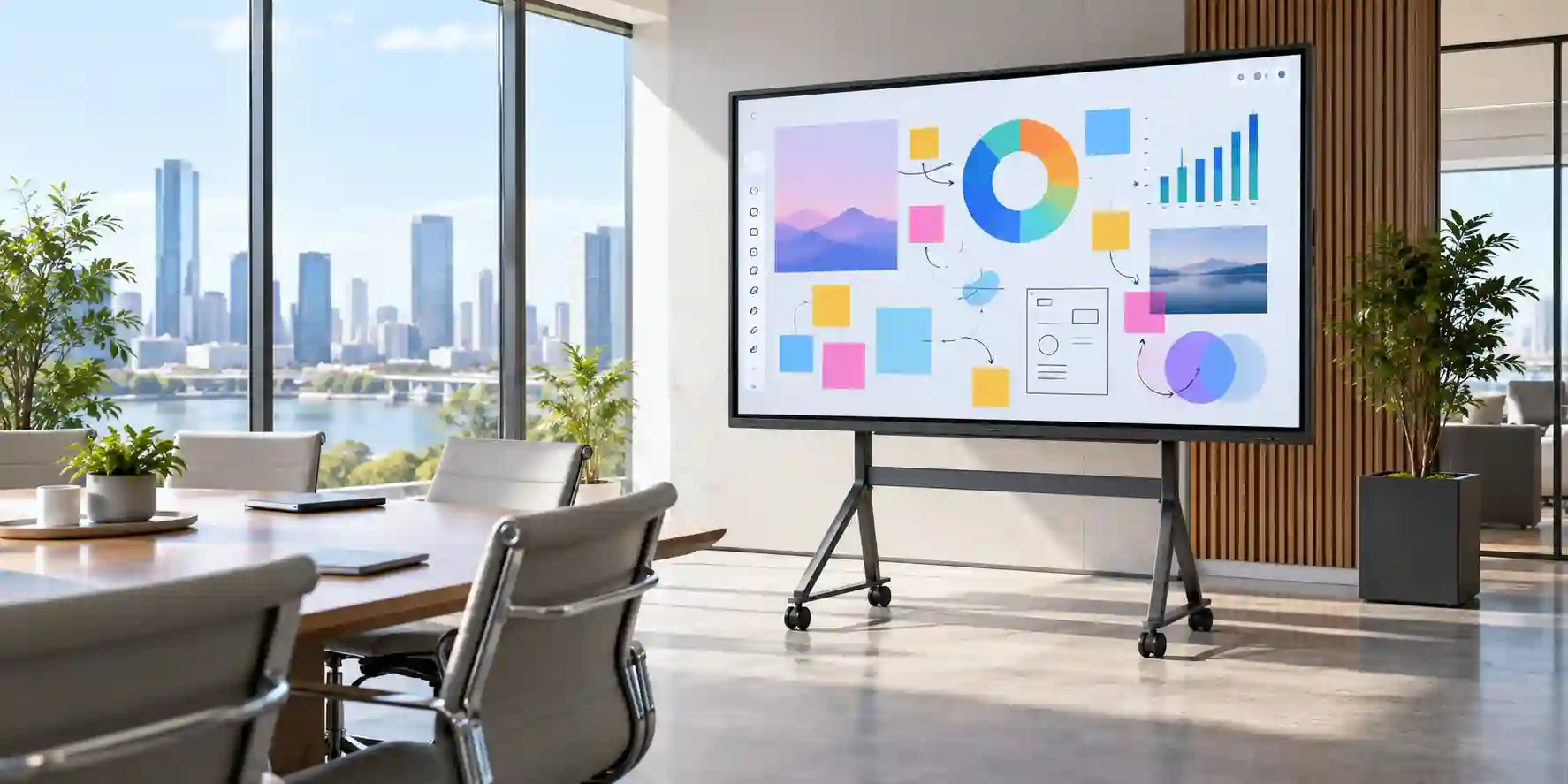
Executive Product Architectural Overview
An 86-inch interactive display occupies a specific role inside an enterprise or institutional technology stack. It is neither simply a television nor merely a replacement for a projector. In practical deployment terms, the Samsung LH86WADWLGCXUE acts as the visible collaboration endpoint where people, applications, documents, media and meeting workflows converge. The 3840 × 2160 pixel resolution provides a detailed canvas for spreadsheets, diagrams, training slides, architectural drawings, lesson materials and video content, while the IPS panel architecture supports wide-angle viewing across larger rooms. The listed 400-nit typical brightness is intended for indoor collaborative environments rather than direct-sunlight digital signage, making room-light management an important part of project design.
For enterprises in Dubai, the architectural value of this format becomes clearer when compared with fragmented room designs. A legacy training room may have a ceiling-mounted projector, separate speakers, a whiteboard, an adapter hub, multiple remotes and inconsistent source switching. A large interactive panel consolidates several of those interaction points into a single wall- or stand-mounted surface. The result can simplify everyday operation for instructors, trainers and meeting hosts, but only when deployment details are addressed before installation. Cable paths, network segmentation, user permissions, source-device standards and mounting height should be treated as part of the system architecture rather than as last-minute accessories.
The WAD platform includes Android 13 and 64 GB of flash memory, allowing the display to support embedded workflows without requiring every activity to originate from an external PC. That distinction matters in classrooms, shared meeting spaces and training rooms where users expect to start quickly. However, organizations should still decide whether the display will be treated as a standalone endpoint, a companion to room PCs, or a presentation surface for user-owned laptops. Those choices affect application governance, patching responsibilities, account policies and network access. A corporate IT team may prefer controlled external computing, while an educational environment may take greater advantage of embedded apps and whiteboarding tools.
Connectivity is another core architectural advantage. The model family lists three HDMI inputs, five USB ports, RJ45 network connectivity, Wi-Fi and Bluetooth. This allows integration with many common laptops, room computers, document cameras, USB peripherals and network services. Yet the availability of physical ports does not automatically guarantee workflow compatibility. USB-C requirements, touch-back functionality, wireless presentation platforms, conferencing appliances and specialist teaching peripherals should be checked as part of the bill of materials. FourTeck can help map the required user journey to the physical and logical interfaces before quotation.
The screen size also affects human factors. At 86 inches, the panel is designed for spaces where multiple participants need to read content simultaneously. It can work well in larger classrooms, executive boardrooms, command briefing rooms, training facilities and lecture spaces, but the room should be planned around realistic viewing distances. Small text that looks sharp near the display may still be difficult to read from the rear of a long room. Presentation templates, font sizes and seating geometry therefore influence the perceived success of the hardware. Buyers should evaluate the complete room experience instead of judging the panel solely by diagonal size.
Operationally, the manufacturer’s listed 12/7 operation support should be treated as a planning parameter. That profile is well aligned with school days, office hours and training schedules, but buyers intending continuous around-the-clock signage should evaluate a commercial display designed for longer duty cycles. Similarly, the WAD unit’s touch-oriented design and integrated platform distinguish it from conventional non-interactive signage. Selecting the correct Samsung display category avoids paying for capabilities that will not be used or deploying a non-touch product where active collaboration is a requirement.
In UAE projects, environmental and logistics considerations also matter. Large-format panels require careful transport, sufficient doorway and elevator clearance, correctly rated mounts or mobile stands, structured cable routes and safe installation practices. The listed set dimensions are approximately 1957 × 1160 × 99 mm with a set weight of about 56.5 kg, which is substantial enough to require deliberate handling and structural planning. FourTeck can coordinate commercial supply while helping the customer validate deployment assumptions, quantity, location and accessory requirements before final procurement.
Enterprise Business Value & ROI Benefits
Shared 4K Workspace
The 86-inch 4K surface gives teams room to display complex documents, large spreadsheets, diagrams and multiple visual elements without relying on a projected image. In workshops and classrooms, that can reduce time spent zooming, switching windows or asking participants to crowd around smaller displays.
Direct Interaction
Touch capability changes the role of the screen from passive output to active work surface. Trainers can annotate, educators can explain visually and meeting participants can interact with content at the front of the room, supporting a more participatory workflow when software and permissions are configured appropriately.
Workflow Consolidation
Integrated Android functionality can reduce dependence on a permanently connected PC for selected tasks. This does not eliminate external computing requirements in every room, but it gives IT teams greater flexibility when designing simple spaces where whiteboarding, basic content access and presentations need to start quickly.
Connectivity Flexibility
Multiple HDMI and USB interfaces, Ethernet, Wi-Fi and Bluetooth provide a practical foundation for mixed-device environments. This is useful in universities, training centers and corporate offices where different users may arrive with different source devices and peripherals.
Readable Group Viewing
Wide IPS viewing angles help participants seated off-center maintain a consistent view of the screen. That can improve room usability in wide classrooms, U-shaped meeting rooms and collaborative spaces where not every participant has a perfectly centered seat.
Lifecycle Planning
A clearly specified commercial interactive platform makes it easier to standardize rooms, document interfaces, train support staff and build repeatable installation patterns. Standardization can lower operational friction compared with maintaining many room designs built from unrelated consumer components.
Return on investment should be evaluated through operational outcomes rather than assumed from the display alone. Potential value comes from faster meeting starts, reduced dependency on projector lamps and alignment, lower cable-adapter confusion, more consistent classrooms, easier room standardization and better use of collaborative software. These benefits become measurable only when the display is deployed with appropriate mounts, cables, network access and user workflows. For a multi-room rollout, FourTeck recommends documenting a standard room bill of materials and testing one representative environment before scaling to a larger quantity.
Hardware & Technical Architecture Highlights
At the display layer, the LH86WADWLGCXUE uses an 86-inch IPS panel with 3840 × 2160 resolution, 400-nit typical brightness, 1,200:1 contrast, 178-degree horizontal and vertical viewing angles, 8 ms response time and 25% glass haze. These values frame the product as an indoor collaboration display where viewing consistency, detail and touch interaction are more important than ultra-high outdoor brightness. The anti-glare-oriented haze characteristic helps manage reflections in lit rooms, although the final visual result still depends on window position and room lighting.
The integrated computing layer runs Android 13 with 64 GB of flash memory. From an architectural perspective, embedded computing reduces the number of components needed for basic operations, but enterprise governance should still define which apps are approved, how accounts are handled and whether network access is segmented. Organizations with strict endpoint policies may choose to use the Android layer selectively while relying on managed PCs or approved collaboration appliances for sensitive workflows.
On the interface side, three HDMI inputs allow multiple fixed or temporary source devices to remain available. The five USB ports, listed as one USB 2.0 and four USB 3.0, provide flexibility for peripherals and content transfer. RJ45 supports wired network integration, while Wi-Fi and Bluetooth enable wireless connectivity scenarios. Audio input and output, video output and RS232 connectivity make the display easier to integrate into more structured AV environments where control, signal routing or downstream audio equipment may be required.
Power planning should not be overlooked. The unit accepts AC 100–240 V at 50/60 Hz, with manufacturer-listed on-mode consumption of 486 W and 0.5 W in sleep mode. For single-room deployments this is straightforward, but multi-room education or training projects should include aggregate electrical load and circuit planning. Cable management should keep power and signal runs protected and serviceable while preserving a clean front-of-room appearance.
Mechanical dimensions also influence installation architecture. The approximately 1957 mm width and 1160 mm height create a substantial physical footprint, and the listed 56.5 kg set weight requires a compatible mounting system and suitable wall structure or commercial mobile stand. Installation teams should verify fixing points, wall composition, floor loading for mobile units, door clearance and safe lifting procedures. A large interactive panel should never be treated as a standard lightweight television installation.
Definitive Technical Specifications & Sizing Notes
| Category | Specification | Procurement Note |
|---|---|---|
| Display Size | 86 inch | Best suited to larger collaborative rooms where multiple users need clear shared viewing. |
| Panel | IPS | Supports wide viewing consistency across off-axis seating positions. |
| Resolution | 3840 × 2160 | 4K UHD workspace for detailed presentation content. |
| Brightness | 400 nit typical | Designed for indoor use; manage direct glare and strong window light. |
| Contrast | 1,200:1 | Supports clear text and graphic separation in typical room conditions. |
| Viewing Angle | 178° / 178° | Useful for broad classrooms and meeting-room seating layouts. |
| Response Time | 8 ms | Appropriate for standard presentation, annotation and media workflows. |
| Glass Haze | 25% | Helps reduce distracting reflections in collaborative spaces. |
| Operating Platform | Android 13 | Supports embedded app and whiteboard-oriented workflows subject to organizational policy. |
| Flash Memory | 64 GB | Integrated storage for platform functions and supported content. |
| HDMI | 3 inputs | Allows multiple source devices to be accommodated in fixed-room designs. |
| USB | 5 total: 1 × USB 2.0, 4 × USB 3.0 | Peripheral compatibility should be validated for the intended workflow. |
| Networking | RJ45, Wi-Fi, Bluetooth | Supports wired and wireless integration subject to network-security policy. |
| Power | AC 100–240 V, 50/60 Hz | Suitable for UAE mains environments when installed to local electrical standards. |
| On-mode Consumption | 486 W | Include aggregate load planning for multi-room rollouts. |
| Sleep Consumption | 0.5 W | Supports low-power idle behavior when properly configured. |
| Operation Time | 12/7 | Align expected duty cycle with the intended collaboration use. |
| Set Dimensions | 1957 × 1160 × 99 mm | Confirm wall, elevator, doorway and installation clearances. |
| Set Weight | 56.5 kg | Requires a properly rated wall mount or commercial mobile stand. |
Sizing should start with the room rather than the product. An 86-inch screen may be ideal for a large classroom but unnecessarily large for a compact huddle room. Buyers should map the farthest viewing distance, seating width, expected font sizes and the type of content that will be displayed. Engineering or spreadsheet-heavy use typically benefits from larger visible detail, while simple presentation use may tolerate a smaller screen. Installation height must balance seated visibility with comfortable touch reach. If frequent touch interaction is expected, mount the panel low enough for typical users to access active controls without stretching, while ensuring rear rows retain a clear sightline.
Configuration-dependent elements such as wall mount, floor stand, cabling, wireless presentation accessories, camera, microphone, room PC and service coverage should be finalized separately. FourTeck can help translate the room requirement into a practical bill of materials and identify which accessories need to be quoted alongside the display.
Configuration, Sizing & Deployment Workbench
Measure room width, depth, ceiling height, display wall width and farthest viewer distance. Validate that the 1957 mm-wide chassis can be delivered through the building route and positioned without blocking doors, glazing or architectural features. For touch-heavy use, consider the standing reach envelope of instructors and participants.
Document what users actually need to do: annotate slides, open cloud documents, connect guest laptops, use a dedicated room PC, run lessons, display video or collaborate with remote participants. This determines whether embedded Android functions are sufficient or whether an external computing and conferencing layer is required.
Map each source device to a physical input. Three HDMI inputs can support several fixed devices, but USB-C laptops may require approved adapters or a separate connectivity solution. If touch return to an external PC is needed, verify the exact cable path and compatibility before installation.
Decide whether the display will join the corporate LAN, a dedicated AV network, an education VLAN or wireless infrastructure. Define permitted applications, update responsibilities, authentication expectations and whether Bluetooth is allowed. Security requirements should be agreed before commissioning, not after the room enters service.
Provide a safe power source and account for the listed 486 W on-mode consumption. For multiple classrooms or training rooms, consider cumulative electrical loading. Manage direct sunlight, heat sources and reflective glazing, because even a capable indoor panel performs best when room lighting is controlled.
Choose a commercial wall mount or mobile stand rated for the panel size and weight. Wall type, fixing method and structural capacity must be checked by qualified installers. Mobile stands should have appropriate stability, cable routing and locking casters when used in shared facilities.
Define who supports first-line user issues, who manages firmware or app updates, and how warranty incidents are escalated. Multi-site organizations should record serial numbers, room assignments and installation dates in an asset register to simplify lifecycle management.
A disciplined deployment sequence reduces project risk. Begin with a representative pilot room, document the cabling and configuration, gather feedback from actual users and then replicate the approved design. This is especially valuable for school groups, universities, government training facilities and corporations deploying multiple interactive rooms. Standardization allows accessories, spare cables, support procedures and training materials to be reused across the estate.
Industry Use Cases & Workload Scenarios
Banking & Finance
Training rooms, project war rooms and internal collaboration spaces can use the large 4K canvas for process mapping, dashboards and workshop content. Financial institutions should place the panel on an appropriate network segment and define clear rules for credentials, screen sharing and embedded applications.
Healthcare
Hospitals and healthcare training centers can use interactive displays for staff education, operational meetings and non-diagnostic collaboration. Any workflow involving clinical systems or sensitive patient information should follow the organization’s cybersecurity and privacy controls rather than relying on the room display alone.
Government & Public Sector
Government entities can deploy the WAD display in training facilities, briefing rooms and shared project spaces. Procurement teams should define approved connectivity, user accounts, room-control integration and support processes as part of the technical submittal.
Logistics & Operations
Warehouse and logistics organizations can use the screen for daily briefings, route planning, safety training and process reviews. In dusty, high-traffic or industrial spaces, verify that the room environment is suitable for an indoor commercial interactive panel and protect the unit from impact risks.
Retail & Hospitality
Head offices and training centers can use the interactive canvas for merchandising reviews, staff onboarding and campaign planning. For continuous customer-facing digital signage, buyers should compare the WAD duty cycle with signage products engineered for longer operational hours.
Education
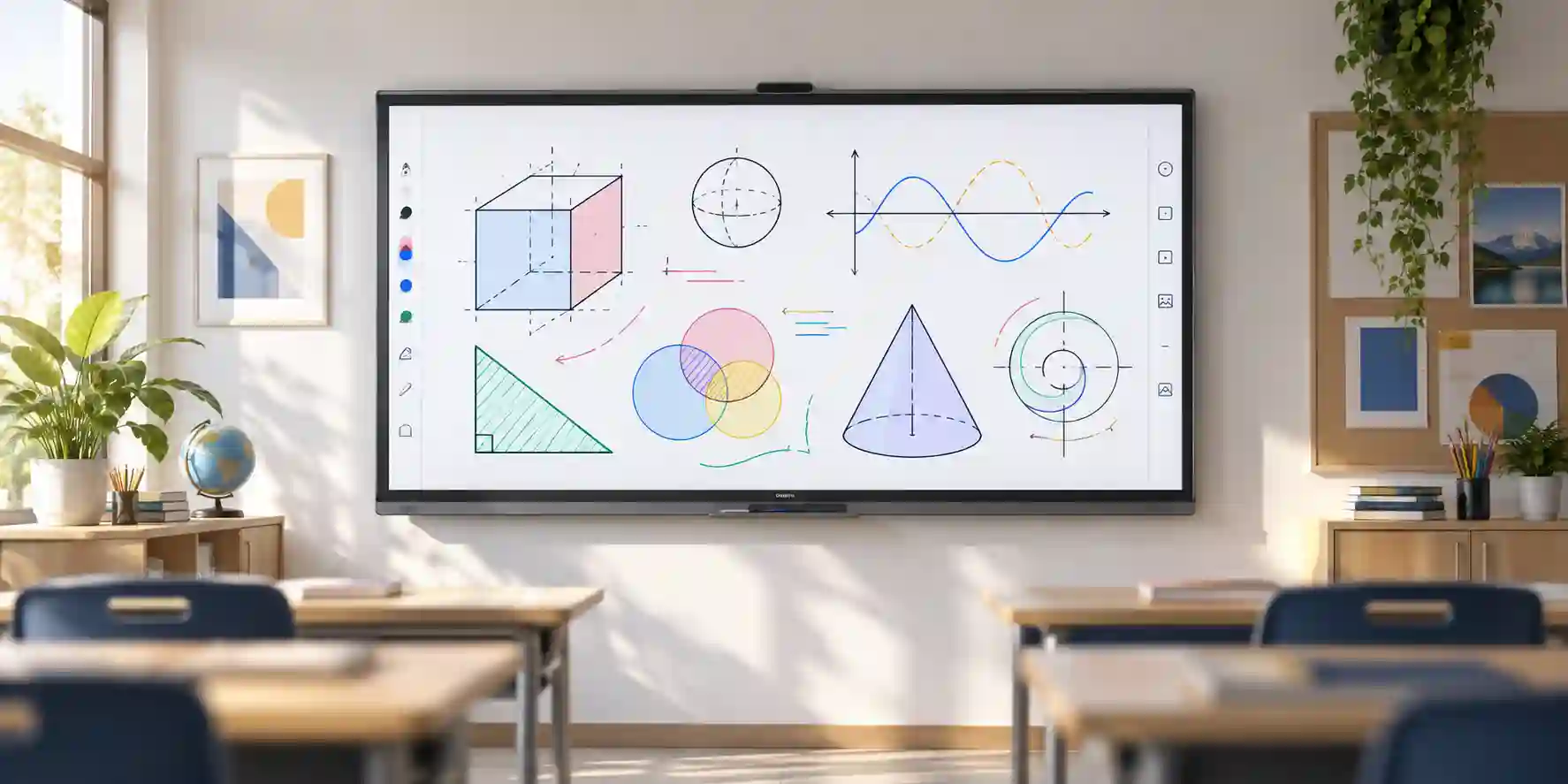
Schools, colleges and universities are natural deployment environments for the 86-inch format. Teachers can present, annotate and interact with lesson material while students view from across the room. Education IT teams should standardize mounting height, device login policy, classroom network access and teacher training.
Technical Feature Deep Dive 1: Processing, Throughput & Workload Performance Architecture
Interactive displays are frequently evaluated through panel size and resolution, but user experience is shaped just as strongly by the complete signal and computing path. The LH86WADWLGCXUE combines an embedded Android environment with external-source connectivity, creating two distinct processing modes. In standalone mode, the embedded platform handles supported apps, whiteboard functions and content stored or accessed through the device. In external-source mode, a laptop or room computer performs application processing while the Samsung display provides the visual and touch interface. Understanding this distinction helps IT teams avoid unrealistic expectations about embedded computing and ensures demanding applications are placed on the appropriate endpoint.
The 4K panel displays 8.29 million pixels, making source resolution and scaling important. A laptop configured for low-resolution output may look soft on a large display even though the panel itself is 4K. Standard room commissioning should therefore include source-resolution checks, overscan verification, text scaling and presentation testing. This is particularly relevant for CAD viewers, spreadsheets, financial dashboards and technical diagrams where fine text is common. The available HDMI inputs support multiple sources, but the room design should make source selection intuitive through labeling or room-control procedures.
Touch interaction adds another performance dimension. Users expect the display to respond naturally during annotation and navigation. Perceived responsiveness depends on the complete path from touch sensing through the display software or connected host application. When an external PC is used, touch return and USB connectivity must be implemented correctly. Long or low-quality cable runs can cause intermittent peripheral behavior, so structured AV installations should use validated cable lengths and active extension solutions where necessary.
The panel’s 60 Hz vertical scanning frequency supports common presentation and video content smoothly. It is not positioned as a specialist high-refresh gaming display, which is appropriate for its intended education and enterprise role. Buyers should focus on readability, workflow consistency and collaboration features rather than consumer entertainment metrics. For video-heavy training rooms, audio routing and speaker requirements should also be reviewed so that visual performance is matched by intelligible sound across the space.
The 64 GB flash capacity provides embedded storage headroom, but enterprises should avoid treating the display as a general-purpose file repository. Shared-room devices are best managed with clear retention rules, controlled user access and centralized storage services where possible. This reduces the risk of sensitive files remaining on a communal endpoint and makes room turnover easier between different teams or classes.
Technical Feature Deep Dive 2: Security, Redundancy & System Resilience
A collaboration display becomes part of the enterprise endpoint landscape as soon as it connects to a network. Security therefore begins with deployment architecture. Wired Ethernet can provide predictable connectivity and may simplify segmentation, while Wi-Fi offers installation flexibility. Organizations should decide which transport aligns with their security model and whether the display belongs on a standard user network, dedicated AV segment or restricted education network. Access rules should permit only the services required by the room workflow.
Bluetooth should likewise be governed rather than simply enabled by default. In open or public-facing spaces, unrestricted pairing can create support issues. Administrators should document when wireless interfaces are needed and disable unnecessary services where organizational policy allows. For embedded Android applications, account management and application sourcing should follow the same principle applied to other managed endpoints: minimize privileges, avoid shared personal accounts and keep business data in approved services.
Resilience in a meeting room is not the same as redundancy in a data center. The WAD display does not replace the need for operational fallback planning. A useful room design may include multiple presentation inputs, a spare HDMI cable, a documented guest connection method and a simple process for reverting to an external room PC if an embedded workflow is unavailable. These low-cost measures often provide more practical continuity than complex room automation that users cannot troubleshoot.
Electrical resilience should be considered according to business criticality. A classroom may tolerate a temporary outage, while an executive briefing center may require protected power or integration with facility backup systems. The display’s listed power profile allows facilities teams to size circuits and UPS infrastructure where needed. Any UPS selection must account for the display plus associated room PC, conferencing bar, network equipment and audio devices rather than sizing only for the panel.
Physical resilience matters as well. Mobile installations should use stable commercial carts appropriate for an 86-inch, 56.5 kg display. Fixed installations should use correctly rated mounts and structurally suitable walls. In schools and shared public environments, cable strain relief and protected connector access can reduce accidental damage. Asset labels and documented serial numbers also improve service handling over the device lifecycle.
Technical Feature Deep Dive 3: Remote Management, Telemetry & Infrastructure Integration
The strongest interactive-display deployments are integrated into support operations rather than treated as isolated room appliances. Even where advanced remote management is not the primary purchase driver, IT teams benefit from maintaining an asset record that includes model, serial number, room location, network details, installation date, warranty reference and associated accessories. This allows help-desk teams to identify a room configuration without visiting the site.
RS232 connectivity can be valuable in professional AV environments because it supports integration with compatible room-control workflows. Where a central control system is used, integrators should confirm command support and design the user interface around simple tasks such as power, source selection and volume. Complex controls should remain hidden from typical users to reduce accidental misconfiguration. For simpler rooms, direct operation may be more appropriate and less costly to maintain.
Network integration should be coordinated with the organization’s infrastructure team. Assigning meaningful hostnames, documenting switch ports and applying the correct VLAN can make fault isolation much faster. If wireless networking is used, signal coverage should be tested at the actual display location. Large rooms and reinforced building structures can create weak coverage even when nearby user devices appear to work acceptably.
Telemetry expectations should remain realistic. The display can participate in a managed room ecosystem, but broader analytics often depend on third-party control platforms, conferencing systems or endpoint-management tools. Buyers who require centralized monitoring across dozens of rooms should define the desired metrics before procurement: online status, source state, uptime, firmware level, power state or incident alerts. That requirement can influence accessory and software selection around the display.
A lifecycle plan should also identify who owns updates and configuration changes. Schools may assign responsibility to central education IT, while corporations may divide responsibility between workplace technology, AV and network teams. Clear ownership prevents the display from becoming an unmanaged device after installation. FourTeck can support pre-sales architecture discussions so the procurement scope reflects both the screen and the surrounding operational requirements.
What Buyers Should Check Before Purchase
Large interactive displays are physically substantial and workflow-dependent. The most common procurement gaps occur when buyers select the panel before checking room dimensions, mounting, interfaces, network policy, accessory requirements and delivery access. Use the checklist below to reduce avoidable change requests.
Confirm that 86 inches is appropriate for the room and intended viewing distance. Validate whether users will mainly present, annotate, whiteboard or run specialist applications. If touch interaction is rare, compare the cost and operational needs with non-interactive commercial signage. If continuous operation is required, compare the 12/7 rating with longer-duty commercial display categories.
List every source device and peripheral: laptops, room PCs, cameras, speakers, document cameras and wireless presentation systems. Check connector types and cable distances. Measure ambient light and ensure the room suits a 400-nit indoor display. Confirm wall structure or stand rating for the 56.5 kg chassis.
Ask for current project availability, expected lead time, delivery scope, warranty terms and any installation exclusions. Large displays require coordinated logistics, so provide site access details early. For multi-site deployments, confirm whether units will ship in one batch or in staged deliveries and how serial numbers will be tracked.
Send the exact model, required quantity, delivery emirate, site name, deployment deadline and whether wall mounts, mobile stands, cabling or installation are required. If the project includes tender specifications, room drawings or an approved bill of materials, include those documents so the quotation can be aligned with the technical requirement.
UAE Regional Availability & Service Ecosystem
FourTeck supports UAE organizations with commercial sourcing, pre-sales model validation, quotation coordination and delivery planning for Samsung professional display projects. Availability can vary by project quantity, distributor allocation and timing, so buyers should request a current quotation rather than relying on generic stock assumptions. For larger rollouts, FourTeck can help structure staged deliveries and accessory requirements around the deployment plan.
Dubai Supply & Logistics Support
Dubai customers can request supply coordination for corporate offices, schools, universities, hospitality groups, training centers and Free Zone businesses. Large-format deliveries should include loading-bay, elevator and site-access information where relevant. FourTeck can also help identify whether the quotation should include mounts, stands, signal cables or other room accessories.
Abu Dhabi & Al Ain Logistics Reach
For Abu Dhabi and Al Ain projects, FourTeck can coordinate model validation and quotation support for government, industrial, education and corporate environments. Project teams should provide site locations and delivery windows early, particularly where security access, restricted compounds or staged handovers apply.
Sharjah & Northern Emirates Logistics Infrastructure
Sharjah and Northern Emirates customers can request commercial supply for classrooms, meeting rooms and training facilities. Deployment planning should account for local site access, room readiness and whether installation is being completed by the customer’s AV integrator or a separate contractor.
Ajman & Surrounding Emirates Logistics Coverage
Ajman businesses, schools and institutions can obtain hardware availability checks, quotation coordination and pre-sales guidance. Supplying the exact product code, quantity and project timeline helps reduce model ambiguity and allows accessory requirements to be checked before purchase orders are placed.
GCC & Pan-African Supply Chain Reach
FourTeck also supports regional technology procurement where projects require export coordination, commercial documentation and cross-border hardware supply. Import regulations, duties, certification and local delivery responsibilities vary by destination, so regional buyers should confirm Incoterms, consignee details and project deadlines during quotation.
Saudi Arabia (KSA) Export & Supply Support
Saudi project teams can route commercial inquiries for configuration validation and enterprise quantity quotations. Buyers should provide the destination city, required quantity and any tender-mandated accessories so export and project assumptions can be reflected accurately.
Qatar Market Supply Reach
Qatar customers can request sourcing and project quotation support for education, corporate and training-room deployments. Cross-border delivery planning should define responsibility for customs clearance, local transport and site handover.
Oman Regional Distribution Support
Oman buyers can request procurement guidance and quote coordination for Samsung interactive displays and related room equipment. Large screens require careful freight planning, and the final scope should state whether the shipment is delivered to a freight partner, warehouse or end-customer site.
Kuwait Supply Chain Coverage
For Kuwait projects, FourTeck can coordinate commercial inquiry handling and export supply support. Regional customers can also visit FourTeck Kuwait for market-specific inquiry routing.
Kenya & East Africa Supply Infrastructure
Kenyan integrators and enterprise buyers can request regional distribution support, technical inquiry routing and delivery coordination through FourTeck Kenya. Project documentation should identify destination, quantity and required commercial terms.
Uganda Regional Procurement Support
Organizations in Uganda can use FourTeck Uganda for localized inquiry response and project supply coordination. Configuration validation is particularly important when procurement documents specify regional model suffixes.
Pan-African Regional Logistics & Trade Reach
For broader multi-country African requirements, FourTeck can support trade inquiries and technology project supply through FourTeck Africa and FourTeck global. Each project should be assessed for destination-specific freight, documentation, certification and warranty handling.
Related FourTeck Products & Compatible Alternatives
| Alternative | When to Consider It |
|---|---|
| Samsung WAD Series 65-inch | Choose a smaller WAD size for compact classrooms, medium meeting rooms or installations where wall width and viewing distance do not justify an 86-inch panel. |
| Samsung WAD Series 75-inch | A balanced option for many training rooms and standard classrooms when 86 inches is physically excessive but a large interactive canvas is still required. |
| Samsung WAF Series | Consider newer-generation Samsung interactive boards where current platform features, updated specifications or procurement standardization favor the WAF family. |
| Samsung QBC/QMC Commercial Signage | Better suited where touch interaction is unnecessary and the requirement is primarily digital signage, information display or presentation output. |
| Samsung Video Wall / LED Options | Evaluate these when the display area must exceed conventional single-panel sizes or when a command center, lobby or large public venue requires a different visual architecture. |
The correct alternative depends on room size, interaction requirement, duty cycle and budget. A buyer should not move to a smaller model solely to reduce cost if the farthest audience will struggle to read content, and should not choose an interactive panel if the project is purely one-way signage. FourTeck can help compare the requirement against current Samsung commercial display options and identify the most suitable category before the purchase order is finalized.
Why Enterprises Choose FourTeck
FourTeck approaches enterprise display procurement as a system requirement rather than a box-only transaction. The pre-sales process can include exact-model validation, room requirement review, accessory mapping and commercial quotation aligned with quantity and destination. This is useful when customers need consistent hardware across multiple sites or when a tender specifies exact product codes.
Delivery coordination is especially important for 86-inch displays because the logistics profile is different from laptops or small peripherals. Site access, unloading arrangements and internal movement may need to be planned. FourTeck can work with the buyer to clarify these commercial details before shipment. Warranty and after-sales expectations should also be confirmed on the quotation so the customer understands the applicable support route for the supplied unit.
For IT, education and AV teams, the most useful procurement partner is one that helps surface missing requirements early. Providing model, quantity, room type, mounting preference, delivery location and project date allows FourTeck to prepare a more complete commercial response and reduce avoidable follow-up during deployment.
Frequently Asked Questions
1. What is the Samsung LH86WADWLGCXUE?
It is an 86-inch Samsung WAD Series interactive display for education and enterprise collaboration. The model uses a 4K UHD IPS panel and integrates an Android 13 platform with touch capability. It is intended for shared spaces such as classrooms, training rooms, workshops, boardrooms and presentation environments where users need both large-format viewing and direct on-screen interaction.
2. What resolution and brightness does the display provide?
The panel resolution is 3840 × 2160 pixels, commonly described as 4K UHD. Samsung lists typical brightness at 400 nit, a 1,200:1 contrast ratio and 178-degree horizontal and vertical viewing angles. These specifications are suited to indoor collaborative spaces. Rooms with intense direct sunlight should be assessed carefully because installation environment can have a major effect on perceived visibility.
3. Does the Samsung WAD 86-inch model have an operating system?
Yes. The LH86WADWLGCXUE model family is listed with Android 13 and 64 GB of flash memory. This supports embedded workflows and reduces dependence on an external PC for selected activities. Enterprise and education buyers should still define application, account and network policies before deployment, particularly when the screen is used as a shared device.
4. What inputs are available?
Samsung lists three HDMI inputs and five USB ports, comprising one USB 2.0 and four USB 3.0 ports, along with audio connectivity, video output, RS232 and RJ45. Wi-Fi and Bluetooth are also supported. Buyers should verify the exact interface path for laptops and peripherals, especially where USB-C, touch return, conferencing or specialist classroom accessories are required.
5. Is this display suitable for a classroom?
Yes, classrooms are a primary use case for an 86-inch interactive display, especially where teachers need a large shared canvas for lessons, annotation and multimedia content. Suitability still depends on room dimensions, mounting height, viewing distance and school IT policy. For smaller classrooms, a 65-inch or 75-inch model may provide a better physical fit while retaining similar interaction principles.
6. Can it be used in boardrooms and corporate training rooms?
Yes. The WAD platform can support boardroom presentations, workshops, planning sessions and corporate learning environments. A professional room design may combine the display with a dedicated PC, conferencing device, camera, microphone and control system. FourTeck recommends validating the complete meeting workflow before ordering accessories because different collaboration platforms can require different connectivity and room components.
7. What is the operation-time rating?
Samsung lists operation-time support at 12/7 for this model family. That profile aligns well with standard school days, office hours and training schedules. If the project requires continuous around-the-clock display operation, buyers should compare the requirement with Samsung commercial signage models intended for longer duty cycles rather than assuming every large-format display is designed for 24/7 use.
8. How much power does the unit consume?
The manufacturer lists an on-mode power consumption of 486 W and sleep-mode consumption of approximately 0.5 W, with an AC 100–240 V, 50/60 Hz power supply. Facilities teams should include associated equipment such as room PCs, conferencing devices and audio systems when calculating circuit or UPS capacity for a complete room deployment.
9. What should be checked before wall mounting?
Check wall structure, mount rating, fixing method, final display height, cable routing and service access. The set is approximately 1957 × 1160 × 99 mm and weighs about 56.5 kg, so installation should use commercial-grade mounting hardware suitable for the panel and wall type. Doorway and elevator clearance should also be considered before delivery to the final room.
10. How can I request a Dubai quotation?
Send FourTeck the exact model LH86WADWLGCXUE, required quantity, Dubai delivery location and desired deployment date. Include whether you need wall mounts, mobile stands, cabling, installation coordination or related room equipment. For tender or multi-room projects, attach the bill of materials or technical specification so the quotation can be aligned with the requested project scope.
Request a Samsung LH86WADWLGCXUE Project Quote
For the fastest commercial response, provide the model number, quantity, delivery location, required deployment timeframe and whether your project needs mounts, mobile stands, signal cables or installation coordination. FourTeck can review the requirement and prepare a project-oriented quotation for Dubai, wider UAE and supported regional destinations.



