

Quick Procurement & Configuration Matrix
Samsung S90F, 42-inch QA42S90F family. Exact regional suffix is based on selected supply model.
Premium 4K OLED Smart TV with self-emissive pixel architecture.
Executive viewing, collaboration, premium hospitality, streaming, console/PC gaming and creative display use.
Single 42-inch display endpoint; multi-screen deployments require independent power, mounting and source planning.
Regional specification dependent. Samsung references AC 100–240V or AC 220–240V variants; validate quoted SKU.
Dubai, Abu Dhabi, Sharjah, Ajman and broader UAE, subject to order terms.
Warranty and service entitlement depend on regional source and invoice terms. Confirm before purchase.
200 × 200 mm VESA pattern; bracket suitability and wall structure must be validated.
Executive Product Architectural Overview
The Samsung QA42S90F belongs to a category that sits between traditional living-room television design and high-performance display infrastructure. At 42 inches, the screen is compact enough to work at shorter viewing distances, yet it retains the image characteristics associated with premium OLED technology. Instead of depending on a conventional backlight behind an LCD layer, each OLED pixel can produce its own light and can switch off when black is required. For buyers, that architectural difference matters because dark scenes, fine contrast transitions, text edges and mixed bright-dark content can appear more controlled.
The screen resolution is 3,840 × 2,160 pixels, providing the standard 4K UHD workspace for compatible content. Samsung pairs the panel with its NQ4 AI Gen3 Processor, which manages picture analysis, scaling and motion-related processing. The processor is relevant because not every source arriving at the television will be native 4K. A corporate user may alternate between a 1080p laptop presentation, a 4K media player, streaming applications, IPTV content and a modern games console.
Motion capability is another architectural distinction. Samsung lists a native refresh figure that varies by market convention, while supporting Motion Xcelerator 144Hz and high-frame-rate 4K operation up to 144Hz over HDMI with compatible equipment. This makes the 42-inch S90F attractive for gaming desks, simulation rooms, media review stations and premium personal workspaces where a standard 60Hz television could feel limiting.
For connectivity, Samsung specifies four HDMI ports, two USB-A connections, Ethernet, optical digital audio output, Wi-Fi 5 and Bluetooth 5.3 on referenced QA42S90F regional variants. eARC support allows an appropriate HDMI connection to return multichannel audio to a compatible soundbar or AV system.
Audio is built around a 2-channel, 20W system on the referenced 42-inch specification, enhanced by Dolby Atmos support, Object Tracking Sound Lite, Adaptive Sound processing and Samsung Q-Symphony compatibility. In a small office or bedroom-scale hospitality room, the built-in system can be sufficient for everyday content. In a boardroom, training room or premium entertainment zone, external audio should be evaluated.
Physically, the set measures approximately 934.4 mm wide and 542.6 mm high without the stand, with a depth around 39.5 mm in the referenced specification. With the stand fitted, the depth increases to around 206.3 mm and the overall height to about 606.9 mm. Weight is around 8.3 kg without the stand and 8.7 kg with it. The 200 × 200 mm VESA pattern is widely supportable, though bracket compatibility must be confirmed before installation.
From an enterprise architecture perspective, the QA42S90F should be viewed as a premium endpoint rather than a replacement for a purpose-built 24/7 commercial signage panel. It is an excellent fit where picture quality, smart features, fast motion and a refined appearance carry more weight than continuous-duty signage certification, centralized fleet-management tooling or extreme-brightness outdoor operation.
Enterprise Business Value & ROI Benefits
The business case for a premium compact OLED display is not simply that it produces a better picture. The return comes from matching the display to environments where image quality, presentation impact, smooth interaction and physical fit influence daily experience.
Picture Performance
OLED’s pixel-level light control gives the display strong black representation and local contrast without the halo effects associated with conventional backlight zones.
High-Frame-Rate Responsiveness
Support for up to 4K 144Hz with compatible sources allows the display to serve gaming, simulation, interactive demonstration and fast-motion use cases.
Compact Deployment Efficiency
A 42-inch chassis is easier to integrate into offices, hotel rooms, bedrooms, gaming desks and smaller meeting spaces than oversized displays.
Source Consolidation
Four HDMI inputs reduce the need to constantly disconnect equipment and can make rooms more supportable.
Audio Ecosystem Flexibility
The integrated 20W audio platform is suitable for general use, while eARC, optical audio and Q-Symphony support create a path to stronger room audio.
Operational Fit
Smart features, mobile mirroring and IP control support on referenced variants can improve flexibility in executive and hospitality environments.
Reliability planning should remain use-case specific. Organizations intending to show fixed dashboards or static channel logos for prolonged periods should establish content rotation and screen-care practices. Procurement teams should distinguish between a premium television and a commercial signage product designed around prolonged static content, remote fleet control and defined extended-duty operation.
Energy efficiency should also be evaluated in context. OLED power draw changes with picture content because pixels emit their own light. Regional Samsung specifications list different typical and maximum power figures depending on market testing methodology and supply variant. FourTeck recommends confirming the exact UAE-supplied SKU and using its label data for facility planning.
Hardware & Technical Architecture Highlights
At the panel level, the central architectural feature is self-emissive OLED. Each pixel is responsible for producing its own light output, so black can be represented by reducing or eliminating emission at the pixel rather than attempting to block a backlight. This enables high local contrast and allows a slim cabinet.
The NQ4 AI Gen3 Processor forms the signal-processing layer. Its responsibilities include scaling, scene analysis, picture enhancement, motion handling and coordination of Samsung’s image features. 4K AI Upscaling Pro is particularly important when the connected source does not match the panel’s native 4K resolution.
For HDR, the S90F family supports OLED HDR and HDR10+ modes on referenced specifications. HDR performance depends not only on format compatibility but also on content mastering, room conditions and picture mode. Project designers should control glare and direct sunlight when using a premium OLED in very bright spaces.
The motion subsystem combines the panel’s high refresh capability with Motion Xcelerator 144Hz. VRR, Auto Low Latency Mode, FreeSync Premium and gaming-related controls support compatible sources. To obtain the intended result, the source GPU or console, cable, HDMI input configuration and software must all support the selected refresh and resolution mode.
Networking is provided through wired Ethernet and Wi-Fi 5, while Bluetooth 5.3 handles supported wireless accessories and audio use cases. SmartThings, Apple AirPlay and mobile mirroring broaden endpoint interaction, although organizations should align consumer smart features with their network security policy before enabling them on shared corporate networks.
The physical architecture uses Samsung’s LaserSlim styling with a four-bezel-less front presentation and simple blade stand on referenced models. The VESA 200 × 200 mm interface provides a standard mechanical mounting pattern, but wall substrate, cable access and bracket capacity must be checked.
Definitive Technical Specifications Table & Sizing Notes
| Category | Specification | Samsung QA42S90F 42-inch Reference |
|---|---|---|
| Display | Panel type | OLED, self-illuminating pixels |
| Display | Screen size | 42 inches |
| Display | Resolution | 3,840 × 2,160 |
| Display | Refresh | 100Hz or 120Hz regional convention; up to 144Hz supported on compatible input |
| Processing | Picture engine | NQ4 AI Gen3 Processor |
| Video | Upscaling | 4K AI Upscaling Pro |
| Video | HDR | OLED HDR, HDR10+ Adaptive / Gaming on referenced models |
| Gaming | Motion / sync | Motion Xcelerator 144Hz, VRR, ALLM, FreeSync Premium |
| Audio | Integrated output | 20W, 2-channel |
| Audio | Enhancement | Dolby Atmos, OTS Lite, Q-Symphony, Adaptive Sound |
| Connectivity | HDMI | 4 × HDMI, eARC; up to 4K 144Hz on compatible connections |
| Connectivity | USB | 2 × USB-A |
| Network | Wired / wireless | 1 × Ethernet, Wi-Fi 5, Bluetooth 5.3 |
| Audio I/O | Digital audio | 1 × optical digital output, HDMI eARC |
| Design | Chassis | LaserSlim, 4 bezel-less, Graphite Black / Black region dependent |
| Dimensions | Without stand | Approx. 934.4 × 542.6 × 39.5 mm |
| Dimensions | With stand | Approx. 934.4 × 606.9 × 206.3 mm |
| Weight | Set weight | Approx. 8.3 kg without stand / 8.7 kg with stand |
| Mounting | VESA | 200 × 200 mm |
| Power | Input / consumption | Configuration dependent by regional model; confirm offered SKU and label data |
Sizing should begin with viewing distance and usage rather than diagonal measurement alone. A 42-inch 4K panel can work very well at closer distances because the pixel density remains high. For a conference room with seating far from the wall, however, 42 inches may be too small for spreadsheet text or fine presentation detail.
Regional specification differences must be treated carefully. Samsung sells S90F variants with different suffixes and market-specific tuner, mains, remote-control and energy-label details. FourTeck can validate the supplied model code, warranty route and included accessories before order confirmation.
Configuration, Sizing & Deployment Workbench
01 / Define the Viewing Geometry
Record seating distance, screen height, room width and primary viewing angle. The 42-inch size is ideal where users are relatively close to the display, but it should not be selected for a deep boardroom only because wall space is available.
02 / Map Every Source Device
List permanent and occasional sources. Four HDMI ports provide good flexibility, but source planning avoids surprises. If 4K 144Hz is required, use a compatible source and certified cable, then validate input settings during commissioning.
03 / Decide the Network Policy
Choose wired Ethernet where predictable connectivity and network governance are priorities. Wi-Fi 5 can simplify rooms where cabling is difficult. In corporate networks, consumer smart functions should be reviewed by IT before activation.
04 / Plan Audio for the Actual Room
The integrated 20W 2-channel audio system is convenient, but sound requirements scale with room volume and use case. eARC and optical output provide practical integration options.
05 / Validate Mounting, Ventilation & Cable Access
The 200 × 200 mm VESA interface makes wall mounting straightforward in principle, but check wall substrate, anchor type, power outlet location, HDMI connector depth and service access.
06 / Assess Duty Cycle & Static Content
For standard TV, movies, mixed office material and gaming, OLED is a strong visual platform. For fixed dashboards or unchanging logos for very long periods every day, discuss duty cycle and commercial signage alternatives.
07 / Confirm Regional SKU, Warranty & Project Quantity
Ask FourTeck to state the offered model suffix on the quotation. For project quantities, provide the required count, delivery address, preferred installation date and whether the units need wall mounts, soundbars, HDMI cables or staging.
A disciplined deployment workbench reduces project friction because it converts a television purchase into an engineered endpoint decision. It prevents mismatches such as ordering a screen that is too small for the room, discovering that the mount blocks cable exits or expecting a 144Hz workflow from a laptop limited to 60Hz.
Industry Use Cases & Workload Scenarios
Banking & Finance
Private wealth offices, executive cabins and customer consultation spaces can use the 42-inch S90F to present market visuals, videos and client-facing material with strong contrast.
Healthcare
Premium patient suites, consultation rooms and non-diagnostic education areas can benefit from the compact size and high-quality image. It should not be presented as a certified diagnostic medical display.
Government & Public Sector
The unit can serve executive offices, internal briefing rooms and controlled meeting areas where a compact premium screen is preferred.
Logistics & Transport
Management rooms, VIP lounges and training areas can use the display for mixed media and interactive demonstrations.
Retail & Hospitality
Boutique retail consultation spaces, premium restaurant lounges and hotel rooms can benefit from OLED contrast and the elegant slim profile.
Education & Creative Studios
Media labs, editing rooms, faculty offices and gaming or simulation labs can exploit the 4K resolution and high-refresh capability.

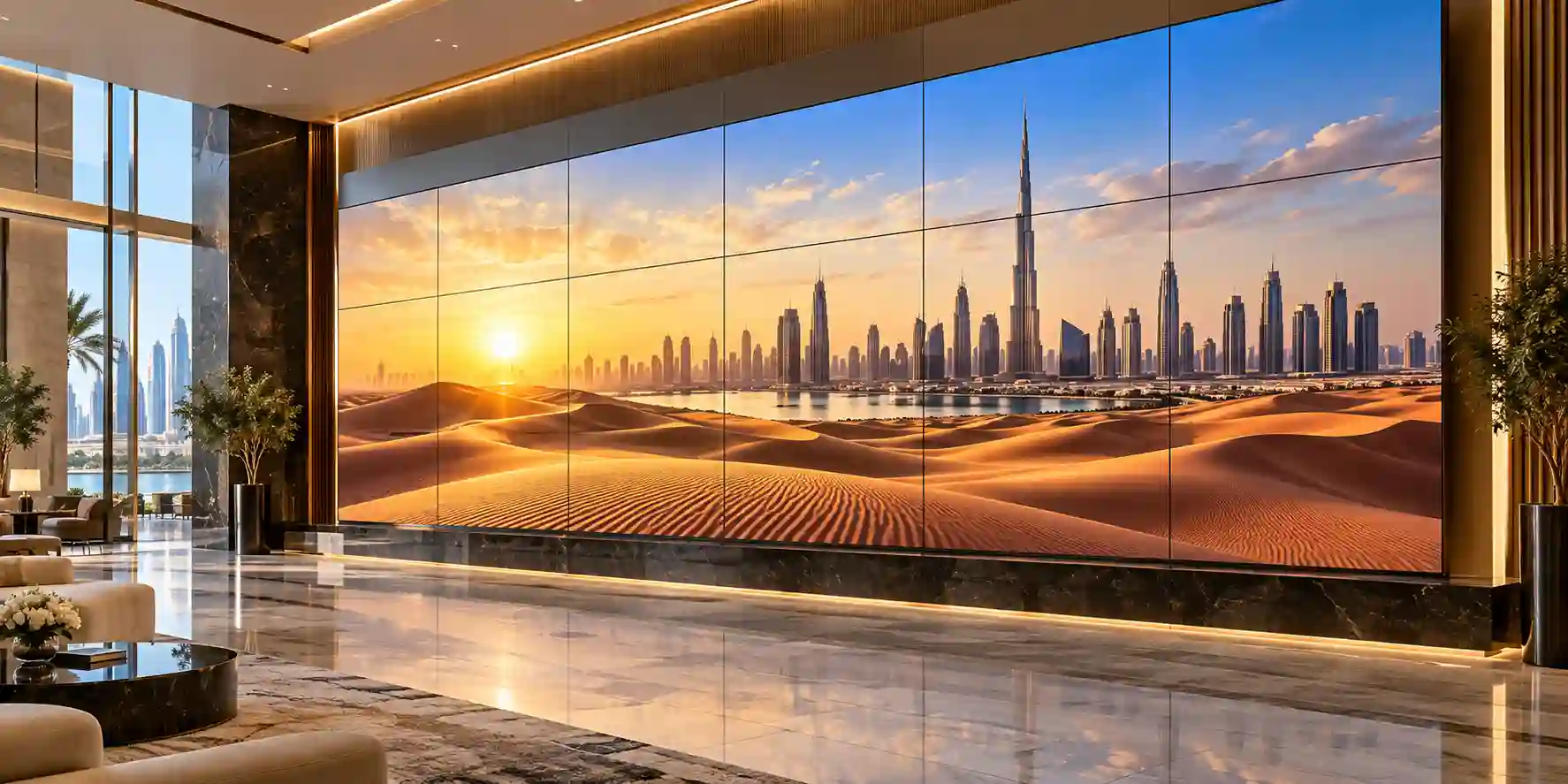
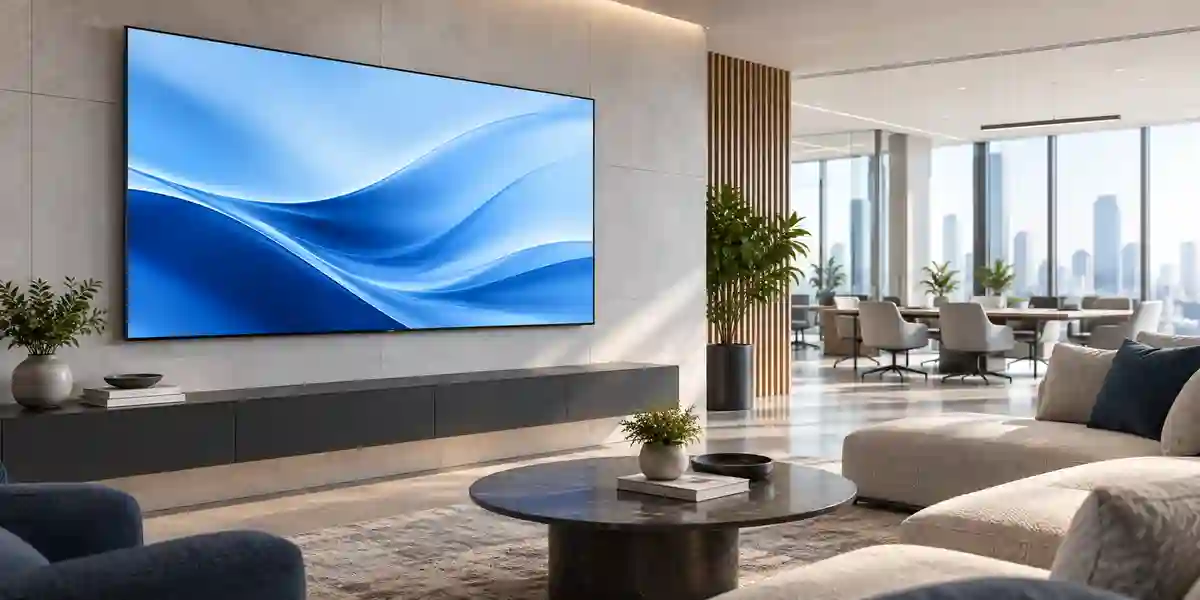
These environments illustrate an important procurement principle: premium televisions are strongest where varied visual content, room aesthetics and user experience matter. They are less appropriate when the main requirement is continuous fixed graphics, outdoor visibility, extreme brightness or enterprise signage fleet administration.
Technical Feature Deep Dive 1: Processing, Throughput & Workload Performance Architecture
The S90F’s most important performance relationship is the interaction between the OLED panel, NQ4 AI Gen3 processing and the HDMI pipeline. A display can only show the quality that survives the complete path from source application through GPU or media device, cable, input electronics, processing engine and panel.
4K AI Upscaling Pro addresses mixed source resolution. Corporate content libraries frequently contain 1080p videos, compressed web streams and older media alongside native 4K material. The processor analyzes incoming frames and maps them to the panel’s 8.3 million-pixel structure.
Motion Xcelerator 144Hz extends the panel beyond ordinary television frame rates. VRR allows the display timing to vary with source frame rate, reducing tearing when the source cannot maintain a perfectly fixed refresh. ALLM can automatically select a lower-latency game-oriented mode when a compatible device signals that behavior.
The four HDMI inputs are strategically useful because a high-performance screen often attracts multiple sources. For 144Hz operation, cable capability becomes important; long or low-grade cables may fail at higher data rates even though they work at 1080p.
The processor also contributes to depth, color and HDR management. Professional creative teams should remember that a premium consumer television is not automatically equivalent to a reference-grade mastering monitor.
Technical Feature Deep Dive 2: Security, Redundancy & System Resilience
A television is increasingly a network endpoint, not merely a passive screen. The S90F includes wired and wireless connectivity, smart applications, mobile interaction and account-based services. In a business, those capabilities must be considered within endpoint governance.
Where smart applications or wireless features are enabled, firmware should be kept current according to organizational change policy. In tightly controlled environments, businesses may choose to use an external managed media device and restrict unnecessary smart functions.
Redundancy in this product should be understood at the workflow level rather than as server-style redundant power or hot-swappable components. If a room must remain operational through any display failure, the design should include a contingency device or nearby alternative room.
For power resilience, a suitable UPS may protect against brief interruptions and voltage events, but sizing should use the exact model’s rated consumption and local electrical conditions.
OLED-specific resilience depends partly on content management. Organizations that display static interface elements for long periods should use varied content, screen-saving features and sensible brightness practices.
Technical Feature Deep Dive 3: Remote Management, Telemetry & Infrastructure Integration
The QA42S90F is designed primarily as a smart television, but referenced regional specifications include IP control support and a broad set of connected-device functions. For system integrators, this creates opportunities to incorporate the screen into meeting-room or hospitality workflows.
SmartThings integration provides a consumer-friendly device ecosystem. In enterprise deployments, these functions should only be enabled when they align with the organization’s technology policy.
Mobile mirroring, TV-to-mobile functions, Tap View and Apple AirPlay can improve ad-hoc collaboration. Each scenario depends on compatible devices, network topology and regionally available software.
Multi View functionality can show more than one supported source or content stream on the screen in certain modes. On a 42-inch screen, however, splitting the canvas reduces the physical size of each window.
If an organization requires centralized scheduling, remote content publishing, device-health dashboards, proof-of-play reporting or multi-site commercial display administration, the S90F should not automatically be selected. Those are areas where Samsung’s commercial signage ecosystem may offer a more appropriate management model.
What Buyers Should Check Before Purchase
The most common display procurement gaps are not caused by panel quality. They come from size mismatch, cable limitations, incorrect mounting assumptions, region-specific model differences and unclear warranty expectations.
01 / FIT: Configuration Fit & Model Sizing
Confirm viewing distance, seating layout, source resolution and intended usage. Determine whether 144Hz support is required and whether the connected computer or console can actually output that mode.
02 / MATCH: Compatibility & Environmental Requirements
Check VESA bracket type, wall strength, furniture width, HDMI cable rating, audio system, network availability and lighting conditions.
03 / TERMS: Availability, Delivery & Warranty Terms
Ask for the exact regional model suffix, supply source, included remote and warranty route on the quotation.
04 / REQUEST: Quote Preparation Data Needed
Provide model, required quantity, delivery Emirate, target date and whether the installation needs wall mounts, soundbars, HDMI cables or network patching.
Enterprise procurement should compare complete supply scope: unit specification, regional validity, mounting hardware, delivery, installation responsibility and after-sales route. FourTeck’s pre-sales role is to help buyers make those assumptions explicit before they become site problems.
UAE Regional Availability & Service Ecosystem
FourTeck supports UAE business buyers with product sourcing, quotation coordination, model validation and logistics planning. Availability can change with distributor inventory and regional allocation, so project buyers should request current confirmation rather than relying on a static stock assumption.
K1. Dubai Supply & Logistics Support
Dubai projects range from private offices and villas to hotels, restaurants, Free Zone companies and multinational headquarters. FourTeck can coordinate local quotation, sourcing and delivery requirements across Dubai.
K2. Abu Dhabi & Al Ain Logistics Reach
Organizations in Abu Dhabi and Al Ain can request enterprise hardware sourcing and delivery coordination for corporate, hospitality, education, government-related and industrial environments.
K3. Sharjah & Northern Emirates Logistics Infrastructure
Sharjah and Northern Emirates buyers can use FourTeck for project quotation, delivery coordination and pre-sales configuration checks.
K4. Ajman & Surrounding Emirates Logistics Coverage
Businesses in Ajman and surrounding Emirates can request current product availability, technical guidance and delivery planning.
GCC & Pan-African Supply Chain Reach
FourTeck can support cross-border technology projects with inquiry routing, product sourcing, commercial documentation coordination and logistics planning.
L1. Saudi Arabia (KSA) Export & Supply Support
Saudi Arabian buyers and project integrators can request configuration validation and project quotation support for premium Samsung displays.
L2. Qatar Market Supply Reach
Qatar projects can be supported through product sourcing, quotation coordination and export logistics planning.
L3. Oman Regional Distribution Support
Oman buyers can request procurement guidance for Samsung televisions and related display products.
L4. Kuwait Supply Chain Coverage
For Kuwait projects, FourTeck can coordinate product inquiries, export supply planning and project quotation through FourTeck Kuwait.
L5. Kenya & East Africa Supply Infrastructure
Kenyan system integrators, hospitality operators and corporate buyers can route inquiries through FourTeck Kenya.
L6. Uganda Regional Procurement Support
Uganda customers can use FourTeck Uganda for localized inquiry routing and technology sourcing support.
L7. Pan-African Regional Logistics & Trade Reach
Broader African projects can be coordinated through FourTeck Africa and FourTeck Global.
Related FourTeck Products & Compatible Alternatives
| Alternative | Best When | Selection Note |
|---|---|---|
| Samsung S90F 48-inch OLED | A slightly larger viewing field is needed. | Useful for bedrooms, executive rooms and gaming desks with more space. |
| Samsung S90F 55-inch OLED | The room has longer seating distance. | Better for larger lounges and meeting areas. |
| Samsung QBC Series | Commercial signage operation matters more than OLED contrast. | Consider for managed corporate signage and repeatable fleet rollout. |
| Samsung QMC Series | A professional signage platform with slim commercial design is required. | Better suited to structured signage projects. |
| Samsung QHC Series | Higher commercial brightness and premium signage positioning are needed. | Evaluate for corporate, retail and public environments. |
Alternative selection should be driven by distance, duty cycle and management requirements. If the requirement changes from a private premium room to many branch locations showing scheduled promotional content for long periods, the project should move toward Samsung’s commercial signage families.
FourTeck can quote compatible wall mounts, HDMI cabling, soundbars, AV accessories and networking components alongside the display.
Why Enterprises Choose FourTeck
Enterprise display procurement benefits from technical validation before pricing becomes the only decision factor. FourTeck supports buyers by clarifying model identity, intended workload, regional suitability and accessory requirements.
A useful quote should state enough detail for procurement teams to compare equivalent deliverables. Product code, quantity, delivery destination, warranty route and accessory scope should be clear.
Delivery coordination matters particularly for hotels, offices, educational facilities and multi-site rollouts. Displays are sensitive equipment, and access windows, loading procedures and site contact details can affect the delivery plan.
Post-sales support begins with correct procurement. When the exact model suffix and invoice terms are documented, warranty routing is easier to understand.
Frequently Asked Questions
1. Is the Samsung QA42S90F a true 4K OLED television?
Yes. The 42-inch S90F family uses an OLED panel with a native 3,840 × 2,160 resolution. OLED pixels emit their own light, allowing pixel-level black control. Samsung combines the panel with its NQ4 AI Gen3 Processor and 4K AI Upscaling Pro.
2. Does the 42-inch S90F support 144Hz gaming?
Samsung lists Motion Xcelerator 144Hz and 4K high-frame-rate support up to 144Hz on referenced 42-inch S90F regional models. The source and cable must also support the required mode.
3. How many HDMI and USB ports are available?
Referenced QA42S90F specifications list four HDMI inputs and two USB-A ports, plus Ethernet, optical digital audio, Wi-Fi and Bluetooth.
4. Can the Samsung QA42S90F be wall mounted?
Yes. Samsung lists a 200 × 200 mm VESA mounting pattern. Buyers should select a bracket rated for the television’s weight and wall construction.
5. Is this model suitable for a meeting room?
It can be excellent for a small meeting room where viewers sit relatively close. For larger rooms, 42 inches may be too small for detailed text.
6. Does the S90F include Dolby Atmos and Q-Symphony?
Yes, referenced specifications list Dolby Atmos support, Object Tracking Sound Lite and Samsung Q-Symphony. The integrated audio system is rated at 20W with two channels.
7. Is the QA42S90F suitable for 24/7 digital signage?
The S90F is a premium smart television, not automatically a replacement for a commercial signage display designed and managed for extended business operation.
8. What are the approximate dimensions of the 42-inch model?
Referenced specifications list approximately 934.4 × 542.6 × 39.5 mm without the stand and about 934.4 × 606.9 × 206.3 mm with the stand.
9. Can FourTeck supply the Samsung QA42S90F in Dubai and other Emirates?
FourTeck can coordinate product sourcing and quotation for Dubai and wider UAE requirements, subject to current distributor availability and commercial terms.
10. What information should I send for a business quotation?
Send the product model, quantity, delivery location, deployment date and intended use. Include wall mounts, soundbars, HDMI cabling or installation requirements if applicable.
Request a Samsung QA42S90F Procurement Quote
For a precise quotation, send FourTeck the required model, quantity, delivery location and deployment timeframe. Include whether the project needs wall mounts, soundbars, HDMI cables, network accessories or installation coordination.
The final quotation should be used to confirm the supplied regional suffix, current availability, warranty route, delivery terms and included accessories.



